Model
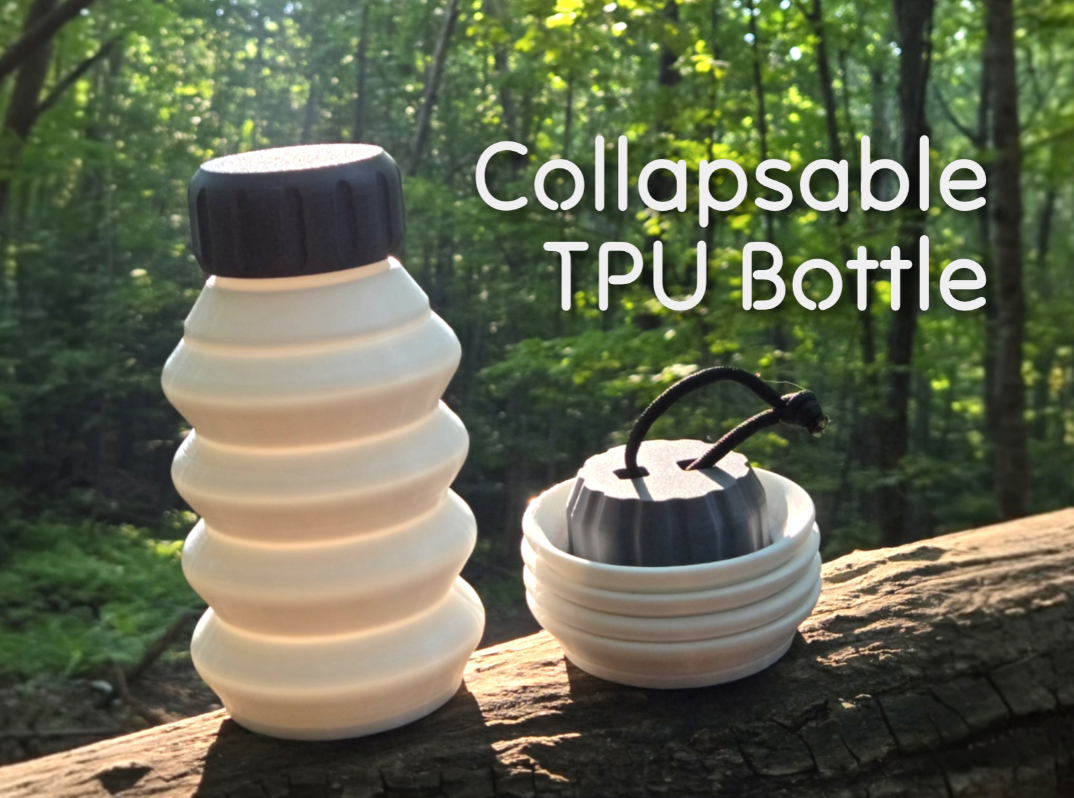
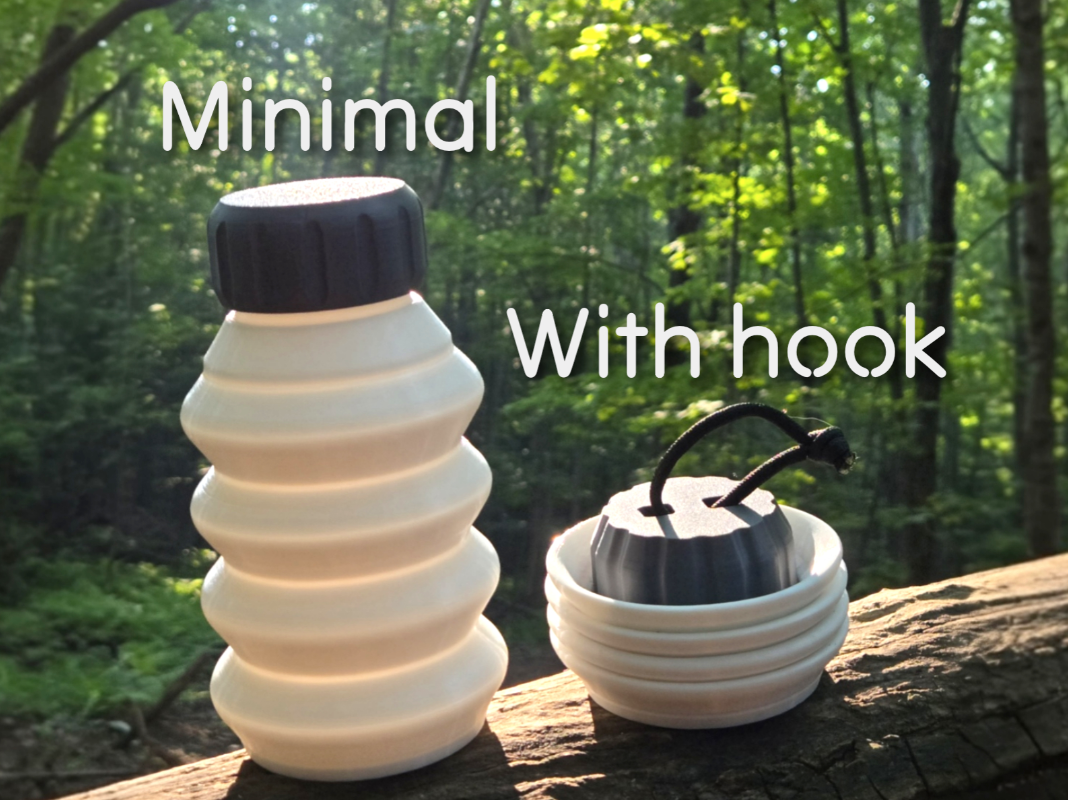
Collapsible TPU Bottle | 600 ml
Description
Collapsible Bottle | Compact & Lightweight 🏕
This 3D printed collapsible bottle is designed for outdoor use — great for hiking, camping, or tossing in your daypack.
It folds down to less than a third of its full height, making it ultra space-efficient when empty, and expands to hold up to 600 ml when needed.
💧 Efficient shape, no wasted volume
🔁 Twist cap with secure threading
🧩 No support required — easy print & fit
🧼 Food-Use Safety Note This bottle can be used for drinking water, provided you follow a few precautions:
- Print only with TPU explicitly sold as food-contact safe , such as Eolas Prints TPU Flex (Shore 93A) —they label it as “food contact safe.”
- Even with “food-contact safe” filaments, FDM prints inherently retain micro‑crevices between layers where bacteria can hide. Thorough cleaning after each use is essential.
- Recommended practice :
- Clean thoroughly after each refill with warm, soapy water .
- Ensure complete air drying before packing it away.
⚠ This approach doesn’t guarantee sterility — but what doesn’t kill you makes you stronger 😉
Material Tips (TPU printing) : I recommend using your own TPU settings, but keep in mind these small adjustments to improve the performance of this design:
- The seam is drawn in a sinusoidal path to help maintain wall quality on overhangs. I'm not exactly sure why, but with a straight vertical seam, an offset builds up at a certain point and creates a noticeable defect around the seam area.
- The inner seam follows the outer perimeter path, minimizing travel moves across the print walls — which helps reduce artifacts if your retraction settings aren't perfect.
- I used Overture TPU , which worked well using the default Generic TPU profile with a few minor tweaks to improve print quality and flexibility.
- This TPU is not rated for high flow so I slow it a lot in this profile. If you have HF TPU, it should work but you could probably increase the speeds
- See profile description for changed settings
If you're unsure about your settings, try slicing only one level of the model (using the cut function) to test printability and ensure the material has enough flexibility.
License