Model

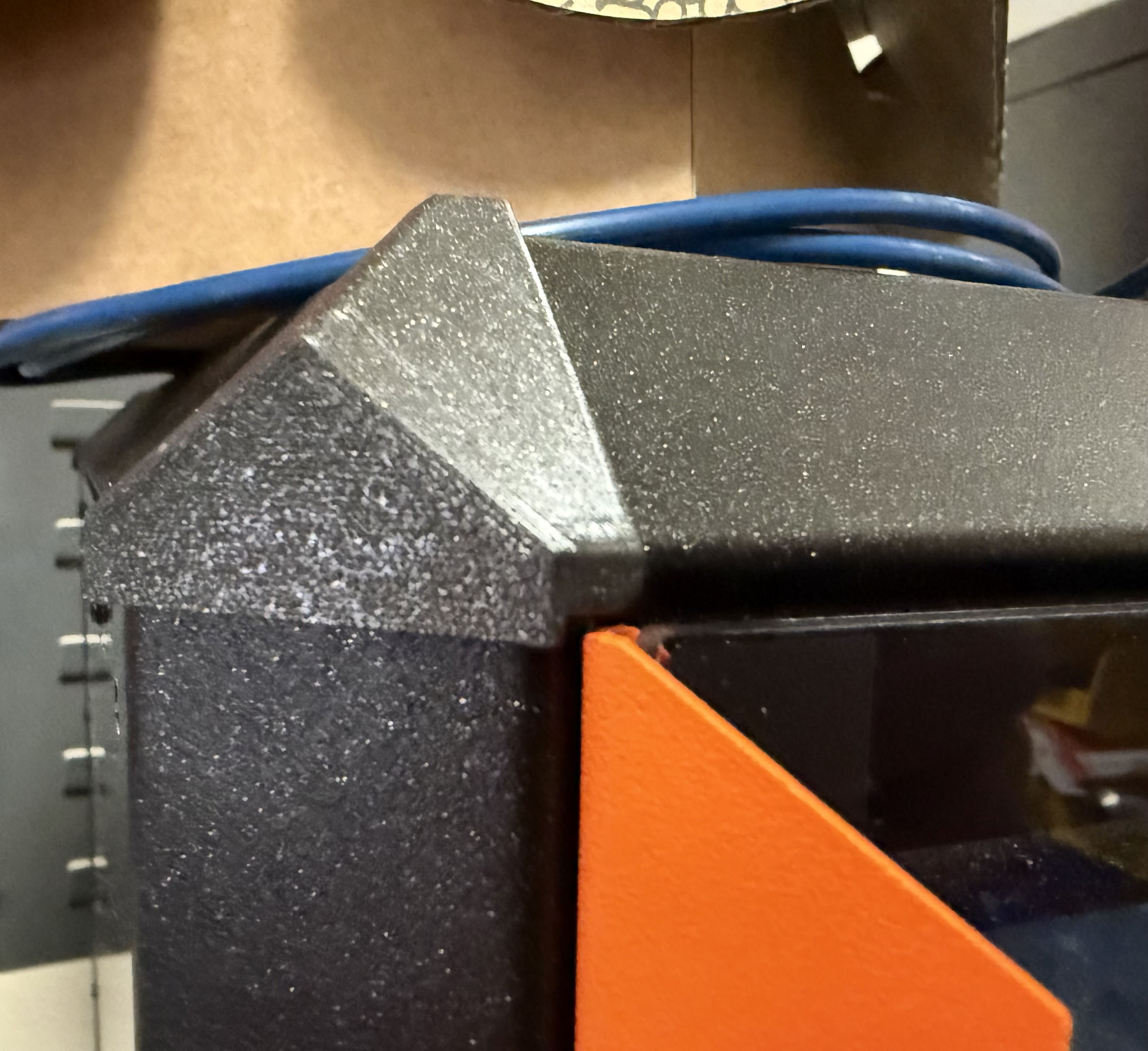
Prusa CORE One Snap-in Corner Block
Description
Snap-in corner covers for Prusa CORE One printer. Depending on your door orientation, print one of either the “standard” or “swapped” covers. Use this for the corner with the door handle. Print three of the “original” covers and use these for the remaining corners. Or if you want extra clearance on both sides, print two of the “original” and one each of the “standard” (install on right side) and “swapped” (install on left side).
License