Model
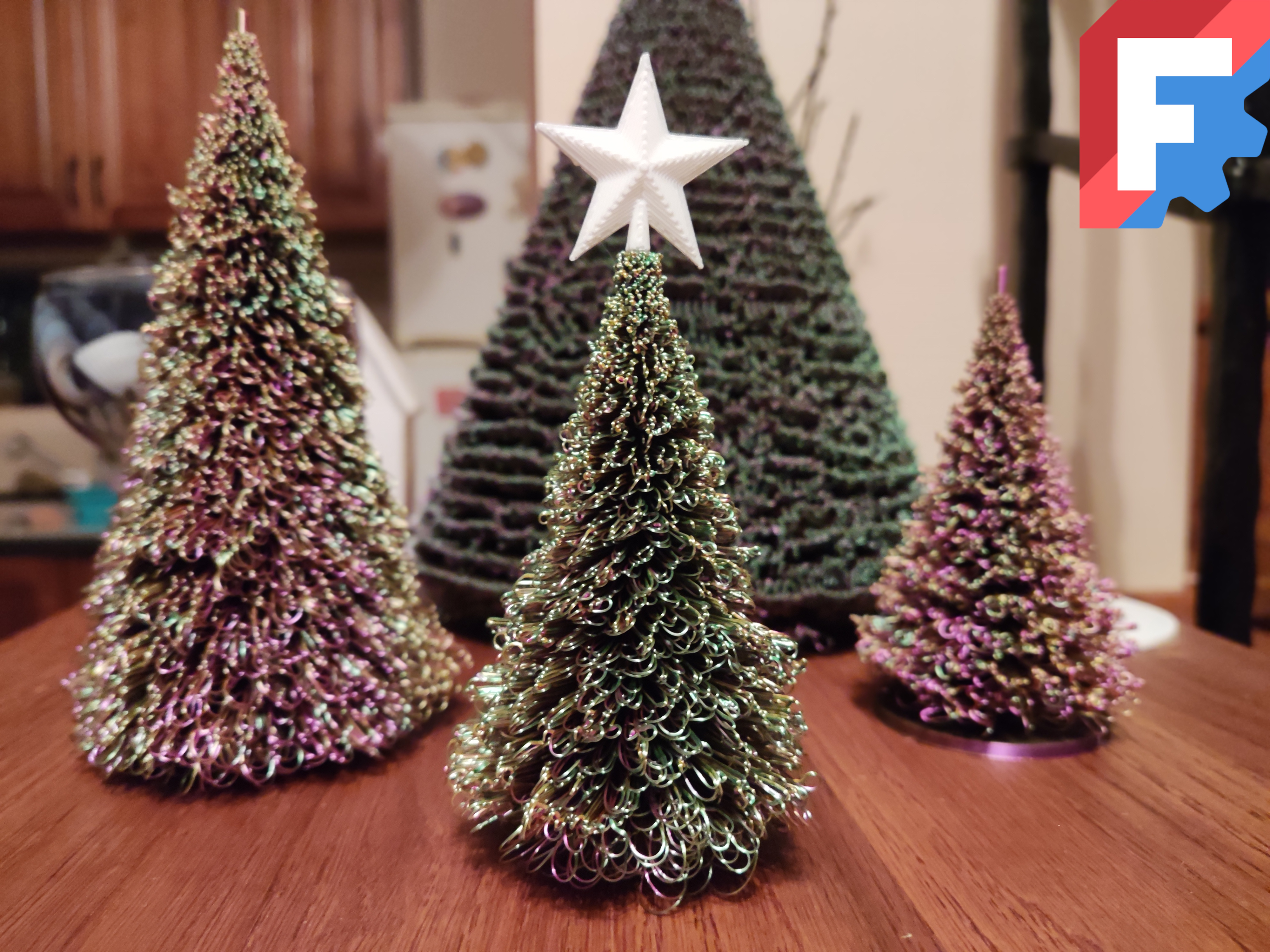
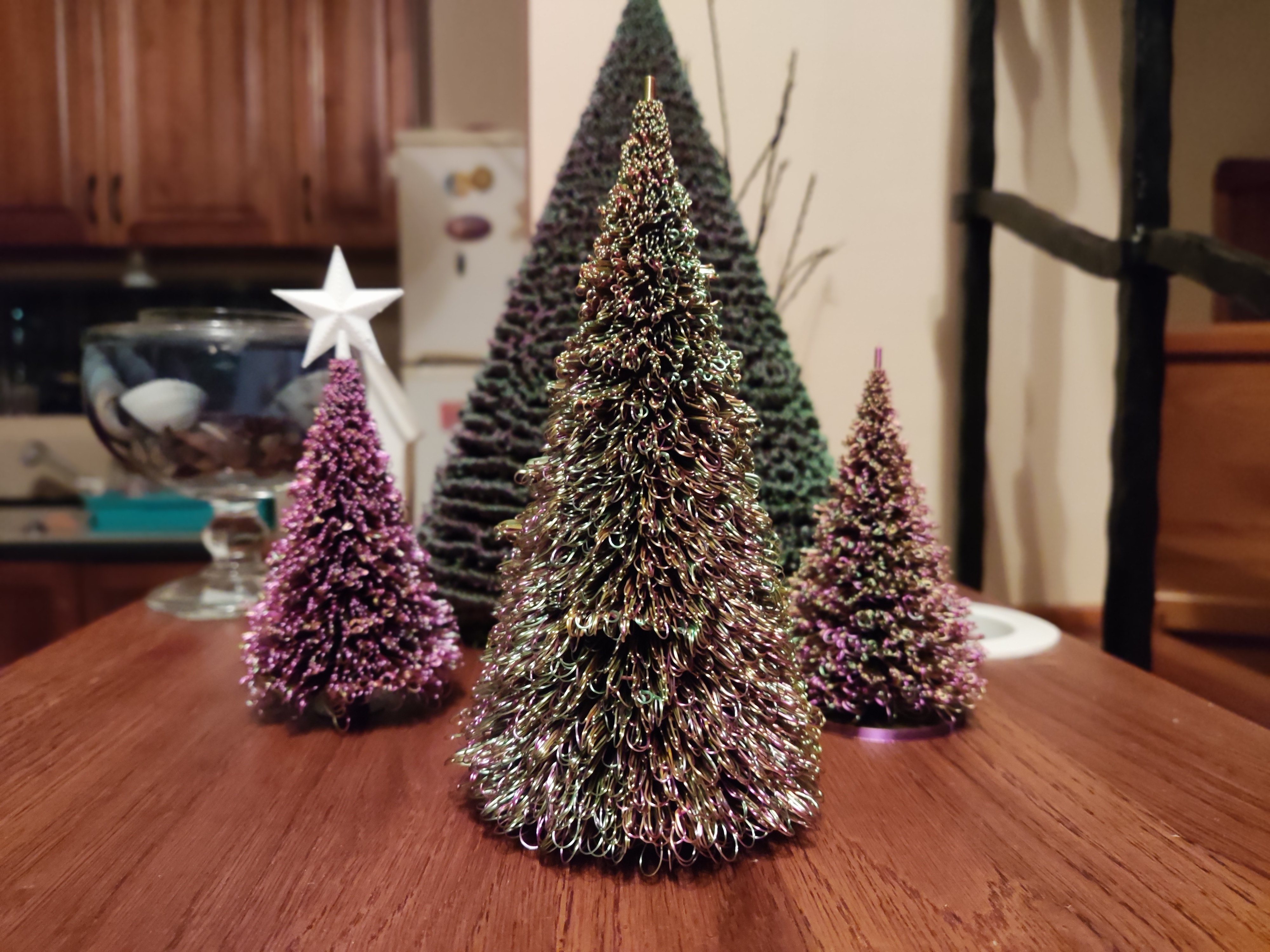
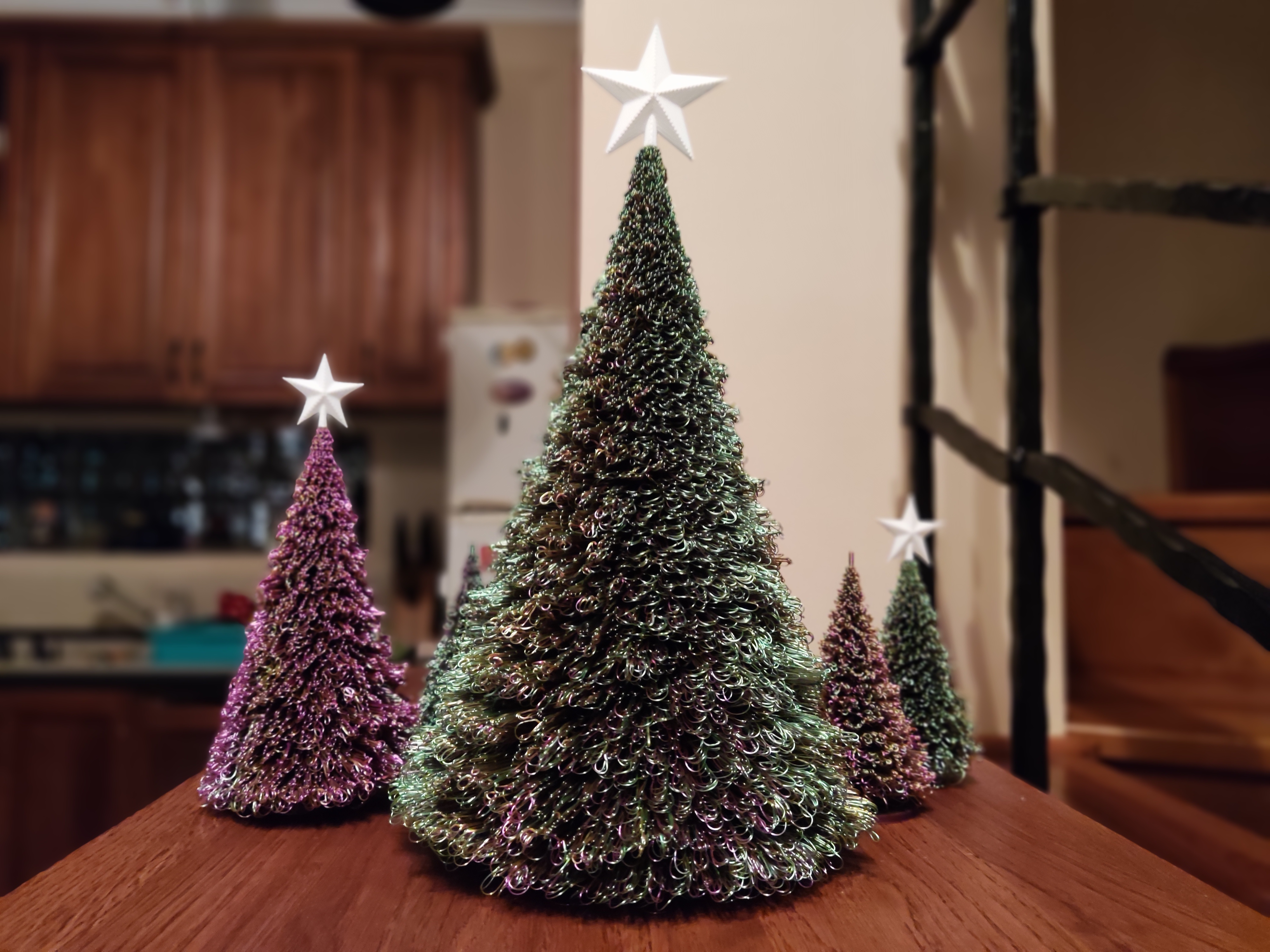
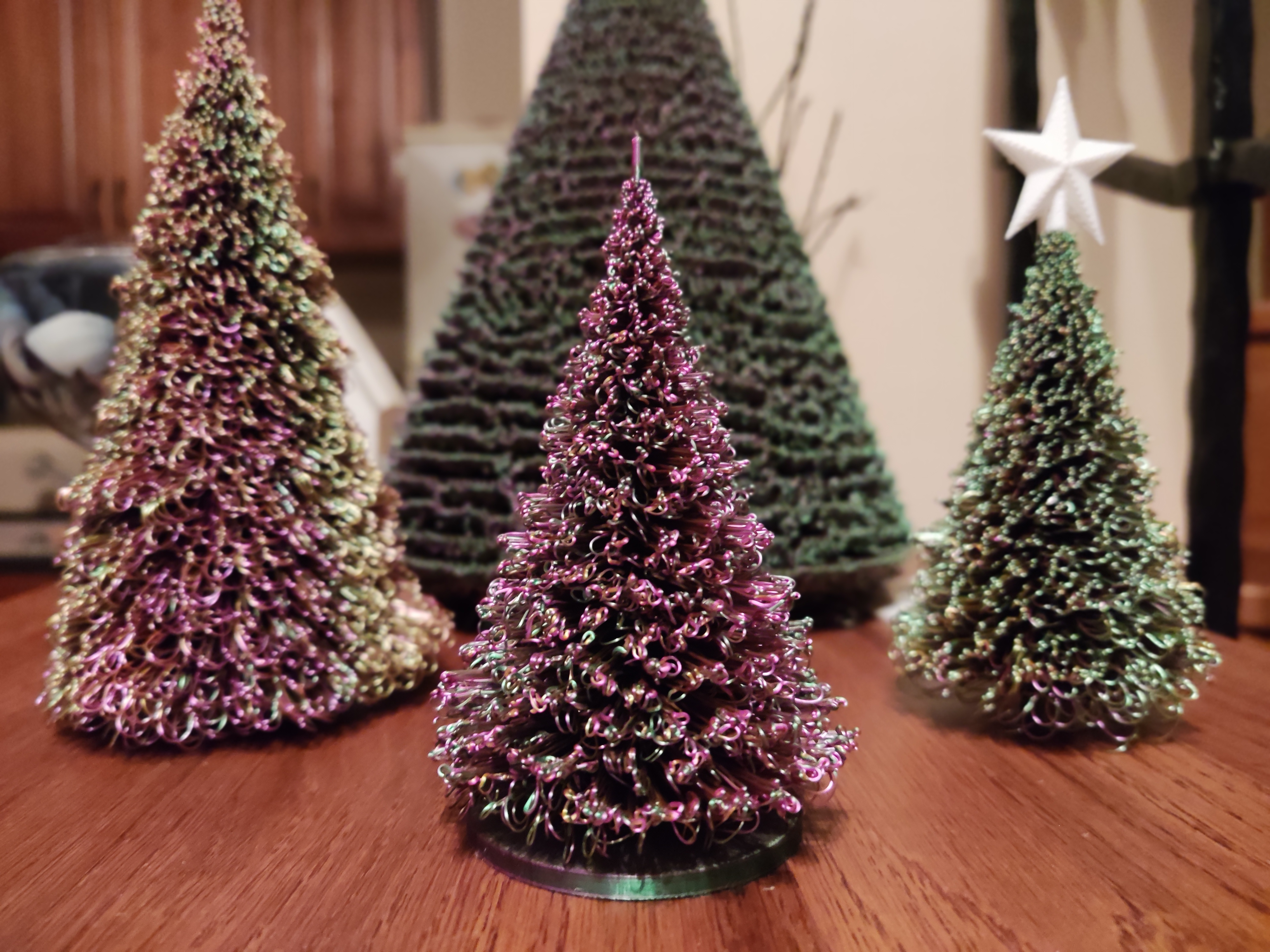
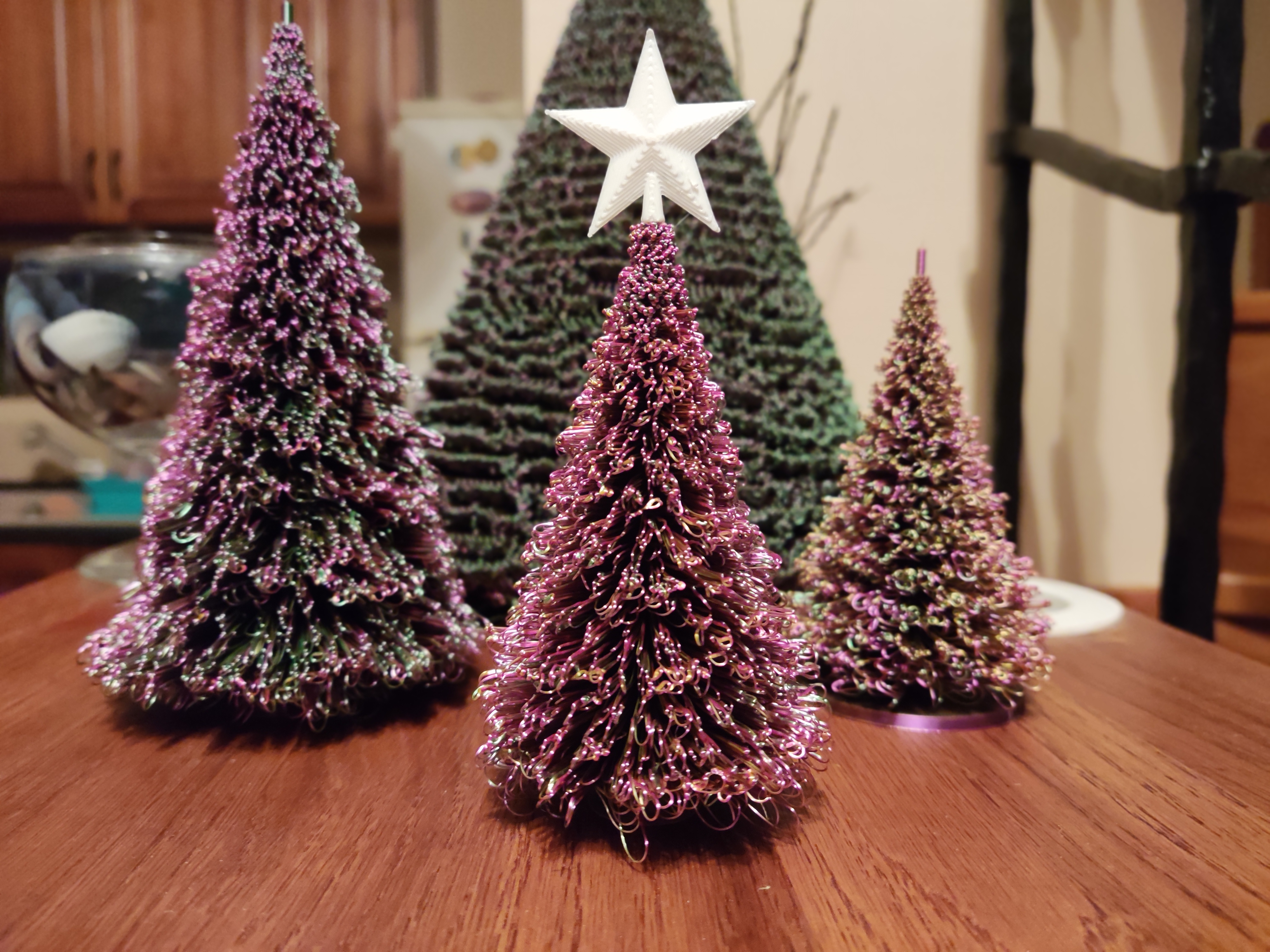
Christmas Tree - fully customizable
#parametric
#christmas
#winter
#customizable
#xmas
#tree
#freecad
#customize
#nosupport
#holidays
#festive
#holiday
#dualcolor
#nosupports
#tricolor
Description
A fully parametric Christmas Tree!!!
Change anything you want: Height, density, branch length, topper slot, stand, and many more!
Printing tips (My recommendation): - Disable the auxiliary fans
- Don't use supports
- Turn off AI spaghetti detection
- Use the recommended layer height and perimeter width you used for generating the tree
- For the premade ones i uploaded these should be 0.2mm layer height and ~0.4mm perimeter width. You can verify it in the slicer's preview as well: if the branches don't have gap infill between their outer walls, then you are good to go.
- Set infill and top layers to 0
- Only do this if you don't have the stand enabled, otherwise use a modifier above the stand for these settings!
- 2-3 walls
- Inner/outer wall order
- High speed and low model fan -> curly branches
- Low speed and high model fan -> straight branches
- Use tricolor/dualcolor silk filament. I printed my trees with Eryone tricolor (Green - Red - Gold) PLA.
If you are still not sure what are good print settings, check the .3mf file. I used that to print all the trees you can see in the pictures. (The only thing i left out is the printing speed, i used 20mm/s for one and 50mm/s for the other). That should be a good starting point.
Trust the process! During printing it might look like a complete spaghetti mess, but don't worry. As long as the tree doesn't fall over it should come out fine! (the premade 100mm and 150mm tall ones should easy to print)
Things you might encounter during printing (especially when printing very large trees):
- The nozzle may collide with the branches and tear some of them off.
- Some branches might get stuck together in small blobs (if your tree is very dense).
- The branches may get pushed down when the nozzle moves over them.
Even if you encounter the things mentioned above, don't panic! The tree should come out fine. I encountered them too when i printed my 250mm tall version.
Generating the tree: In order to use the macro file, you will need FreeCAD , a free to download cad software. After installing it, follow the instructions in the macro file to prepare the workbench.
What exactly can you customize? The tree consists of 4 parts:
- The stand (optional)
- The trunk
- The branches
- The Topper slot (optional)
The parameters: A complete description can be found in the macro file, or you can hover over the parameters in FreeCAD to display their tooltips. Be warned: the macro is not foolproof: Avoid setting negative or incorrect values (FreeCAD won't crash, but you won't be able to generate your tree, nor export it)!
- Fast Generation:
- Height
- Calculate
- Branches:
- BranchStartHeight
- BranchStopHeight
- LayerCount
- BranchesPerLayerStart
- BranchesPerLayerStop
- BranchWidth
- BranchHeight
- BottomBranchLength
- TopBranchLength
- BranchLengthDeviation
- Stand:
- TreeStandDiameter,
- TreeStandHeight
- Trunk:
- TrunkBottomDiameter
- TrunkTopDiameter
- TrunkHeight
- Topper:
- PeakSlotDiameter
- PeakSlotHeight
- Misc:
- RandomSeed
- Recompute
Updates: 2025-12-06: - Updated the description of the page: Added some new printing tips.
- Added my print profile i used for printing the trees in the pictures (Anycubic kobra s1c).
- Added a text file, that contains the parameters i used for generating the premade trees (100mm and 150mm).
2025-12-07: - Bug fix: You can now both edit and execute the script without restarting FreeCAD.
2025-12-10: - Added a fast generation method to the script: You only have to specify the desired height of the tree and rest will be handled automatically.
- Uploaded new premade trees created with the fast generation method: 100, 150, 200, 250, 300 mm tall ones.
- Removed old files.
- With this update i consider this project done. If you encounter any bugs or mistakes, please drop a comment and i will fix it.
2025-12-17 IMPORTANT: - For some unknown reason Printables renames the macro to 'christmastree.py' from 'ChristmasTree.py' when downloading it. So i updated the script and renamed it, so the references don't break. I wonder how many people tried using it with failure...
- Thank you Printables!
Have fun! Happy customizing and printing! If you have any questions, advice, or you encounter some mistakes i made, please drop them in the comments!
(Please don't be too harsh on me about the Python script's quality :D. This is my first time scripting in FreeCAD)
License