Model
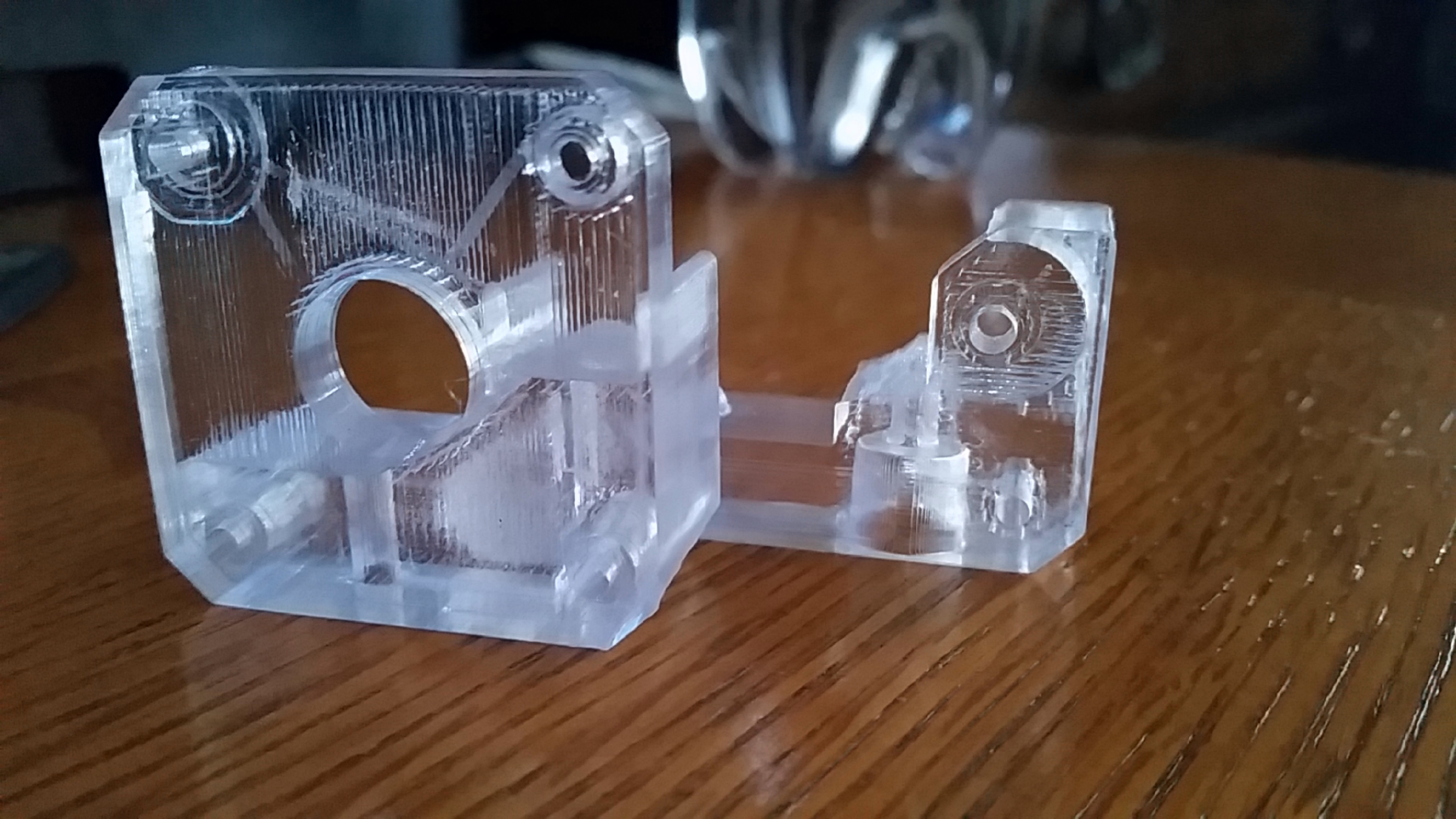
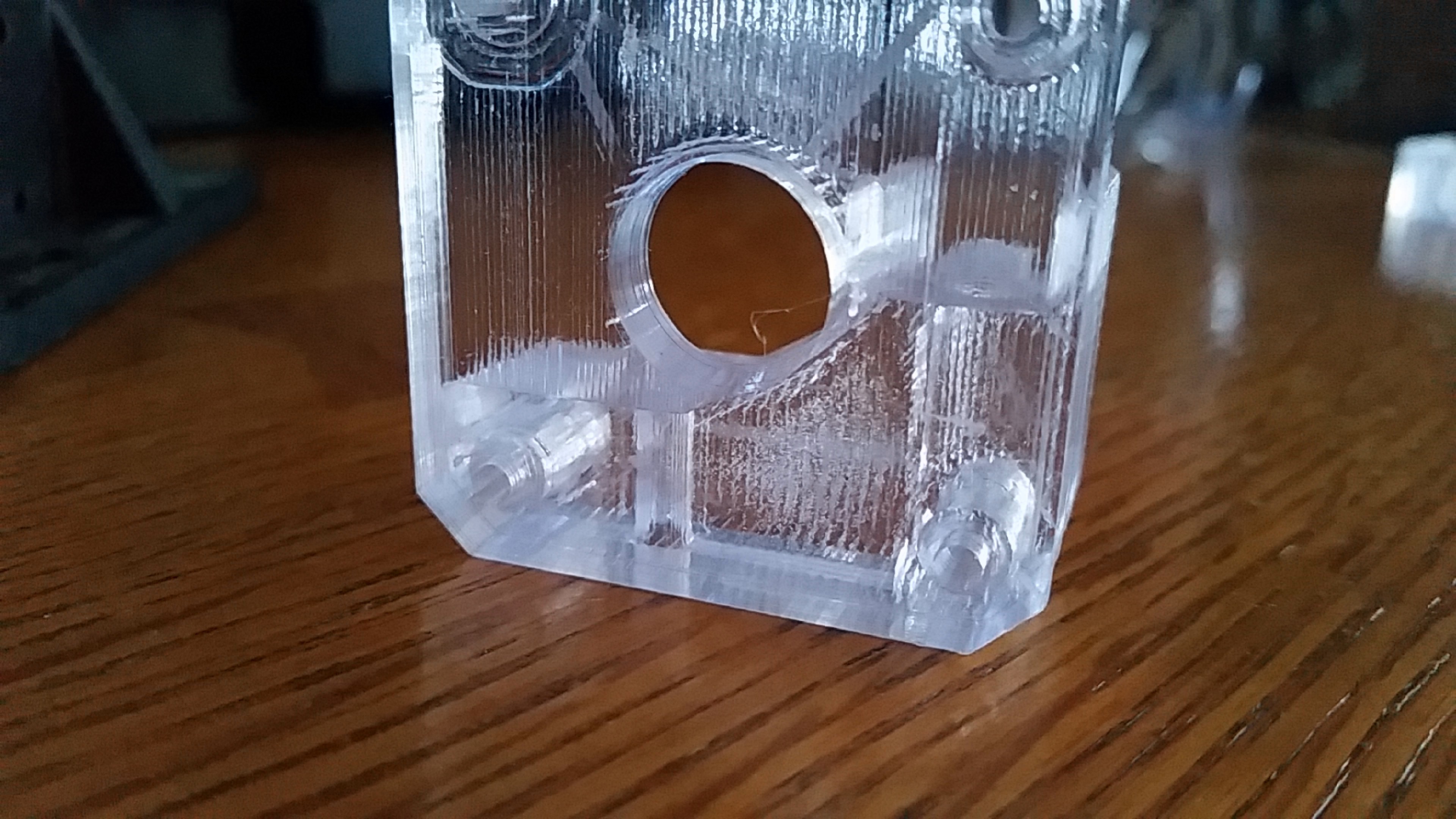
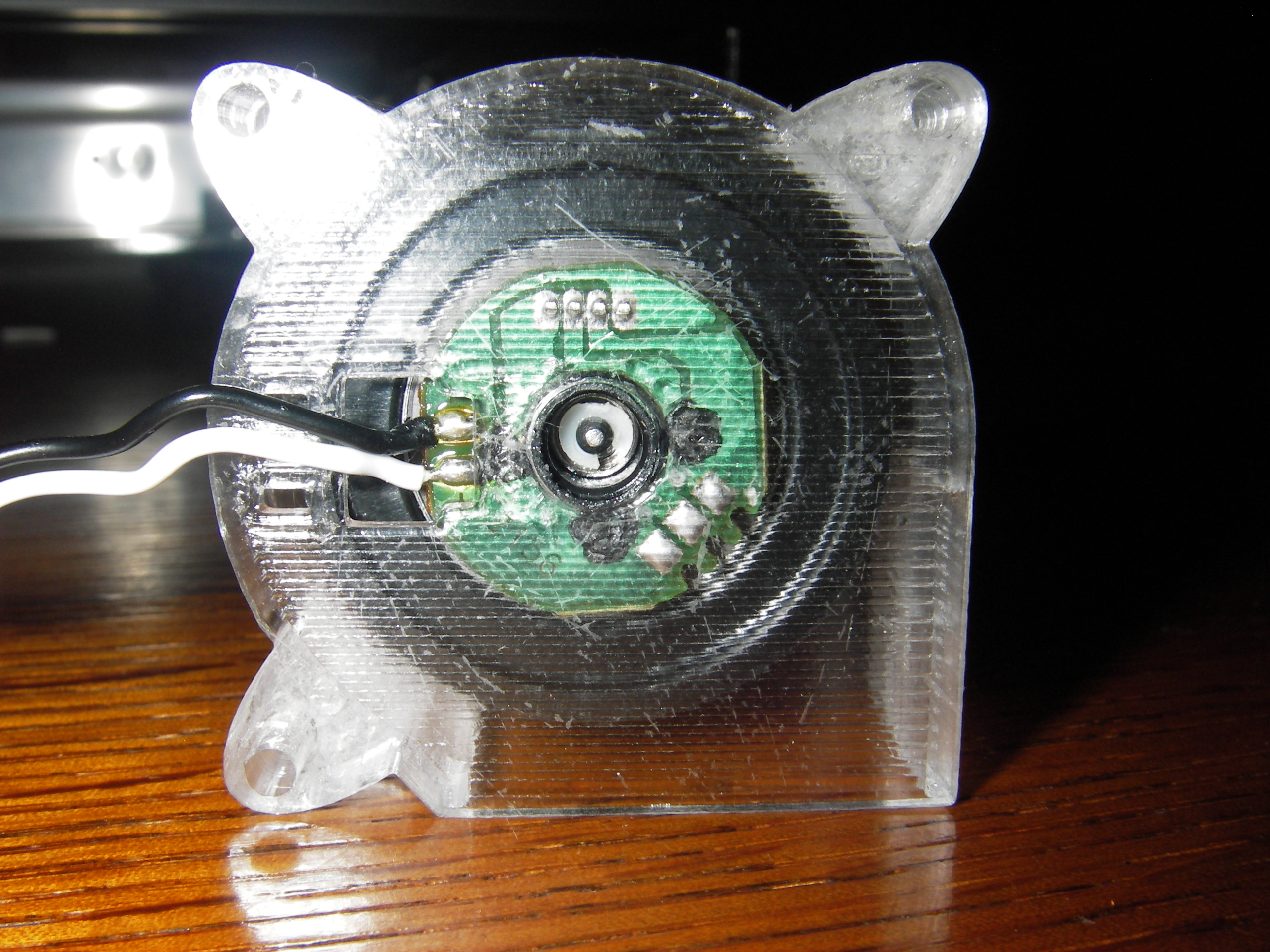
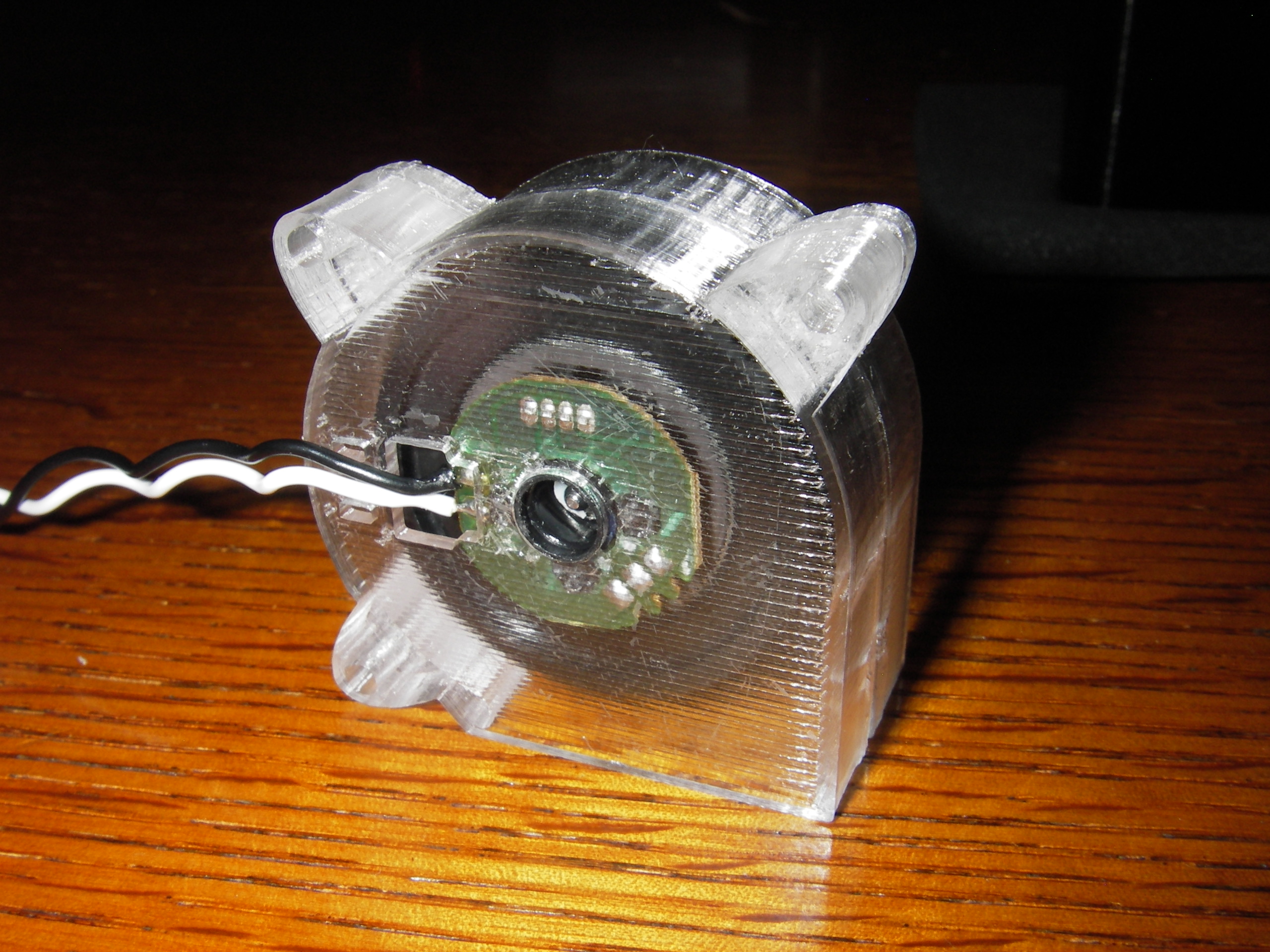
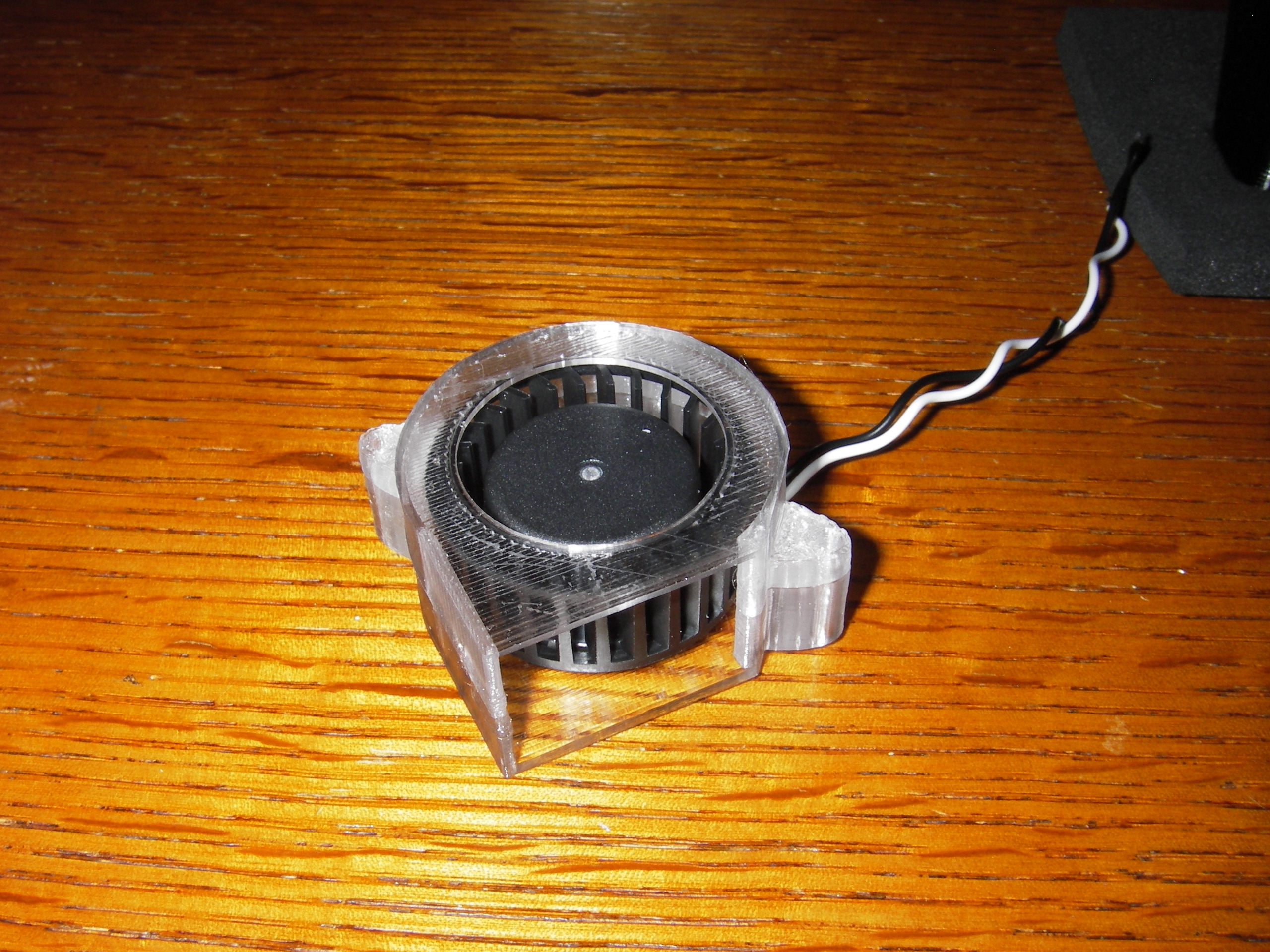
How To Print Glass
Description
UPDATE: How to print Glass with ORCA .3mf by Rygar1432 | Download free STL model | Printables.com
How to print GLASS! The first thing to understand is a very slow speed is necessary, so patience is a must.
The key is three different factors.
- 20mm/s speed
- 0.1000mm layer height
No top or bottom layers, along with one single direction for infill
By following the three keys above you can create a very translucent print. Several factors in positioning the printed object and direction the filament is laid down will give vearing results.
The Best filament to use believe it or not is: OVERTURE CLEAR PETG. It even beat out Formfutura HD Glass.
(https://www.amazon.com/Filament-Transparent-Consumables-Dimensional-Accuracy/dp/B07SB761QR/ref=sr_1_1_sspa?keywords=overture+clear+petg&tag=tv-auto-20)
This is for everyone not using simplify3D
EXTRUDER
Nozzle Diameter: 0.40 mm
Extrusion Multiplier: 1.01
Extrusion Width: 0.50 mm
Retraction Distance: 3.05 mm
Retraction Speed: 30.00 mm/s
Coasting Distance: 1.00 mm
Wipe Distance: 3.00 mm
LAYER
Primary Layer Height: 0.1000 mm
Top Solid Layers: 0
Bottom Solid Layers: 0
Outline/Perimeter Shells: 2
INFILL
Interior Fill Percentage: 100%
Outline Overlap 35%
Infill Extrusion Width: 103%
Internal Infill Angle Offset: -45
THE INFILL MUST NOT ALTERNATE EACH LAYER. EVERY LAYER MUST BE LAID DOWN THE SAME DIRECTION.
TEMPERATURE
Hot End: 265c
Hot Bed: 70c
COOLING
NO! This will cloud the print.
SPEED
Default Printing Speed: 20.0 mm/s
Outline Underspeed: 50%
Solid Infill Underspeed: 30%
Support Structure Underspeed: 80%
X/Y Axis Movement Speed: 150.0 mm/s
Z Axis Movement Speed: 20.0 mm/s
Some of the settings are from Simplify3D, just use what's familiar to you. If you have any questions ask, I'd be glad to help.
Print instructions Category: 3D Printing
License